
Share supplemental documents like sketches, product cut sheets, specifications, etc., to ensure all pertinent information is associated with your Items. Project teammates can use this area to collaborate and share information about an Item. You now have a central location to store this information so it doesn't get lost in email threads!
Uploading Attachments
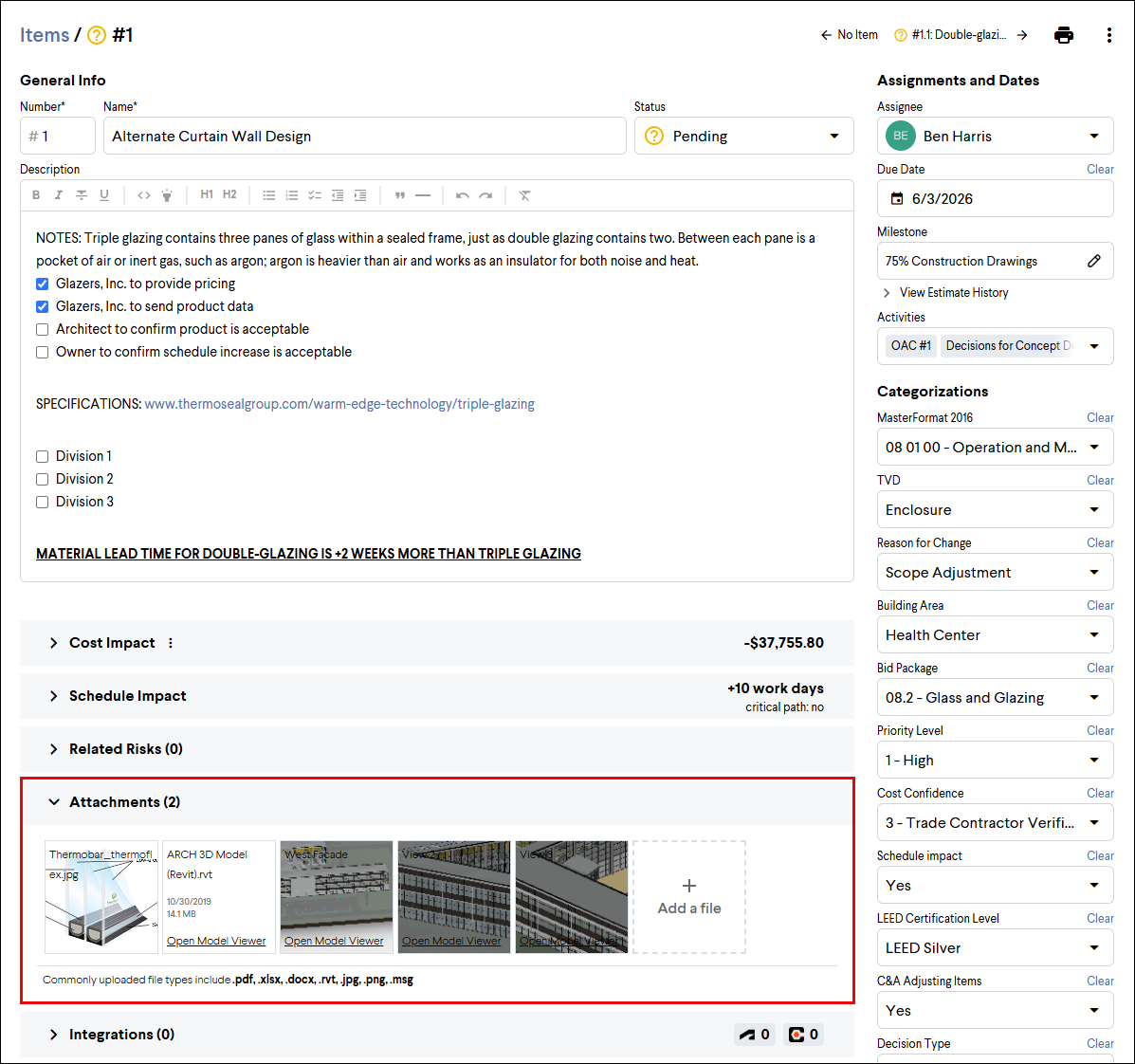
To upload an attachment to an Item, expand the Attachments section of the Item and either:
-
Drag and drop your file into the Attachments section
-
Click + Add a file to browse for a file. You can select a file already uploaded to the project, upload a new file, or link a file stored with one of our integration partners.
Best Practice: Share relevant information with your project team using Item attachments. Updated drawings, takeoffs, specifications, or napkin sketches can be shared and memorialized.
Note: File types that can be viewed natively in Join include images, PDFs, and Revit files.