If you work for a General Contractor and have been invited to a Join project, here's everything you need to know to get up and running.
Select a section below and scroll down to see the related information.
 |
|
|
|
|
|

What You'll Learn
-
Get a project pulse across your project lifetime or current Milestone
-
Filter and compare estimate and budget data by your Work Breakdown Structure (WBS)
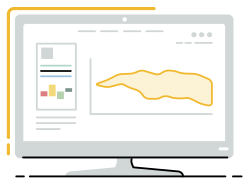
Cost Trendline
Use the Cost Trendline to monitor how project costs change over time and identify open cost opportunities at a glance.
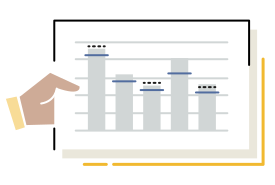
Estimate Chart
Establish a cost baseline for your current Milestone and break down estimates by any Categorization or Work Breakdown Structure (WBS) in your project.
Items Chart
Have a bird's-eye view of all the Items, ideas, and opportunities on the project.
| 1. Signing Up and Navigating Join | |
|
|

|