
A project thumbnail allows your project team to quickly identify the project from others they may have access to. Join users typically upload a rendering of the project or another image that is unique to the project.
Adding or Replacing a Project Thumbnail
- Click Settings in the navigation panel.
- Drag and drop your image in the thumbnail region or click the region to browse for an image.
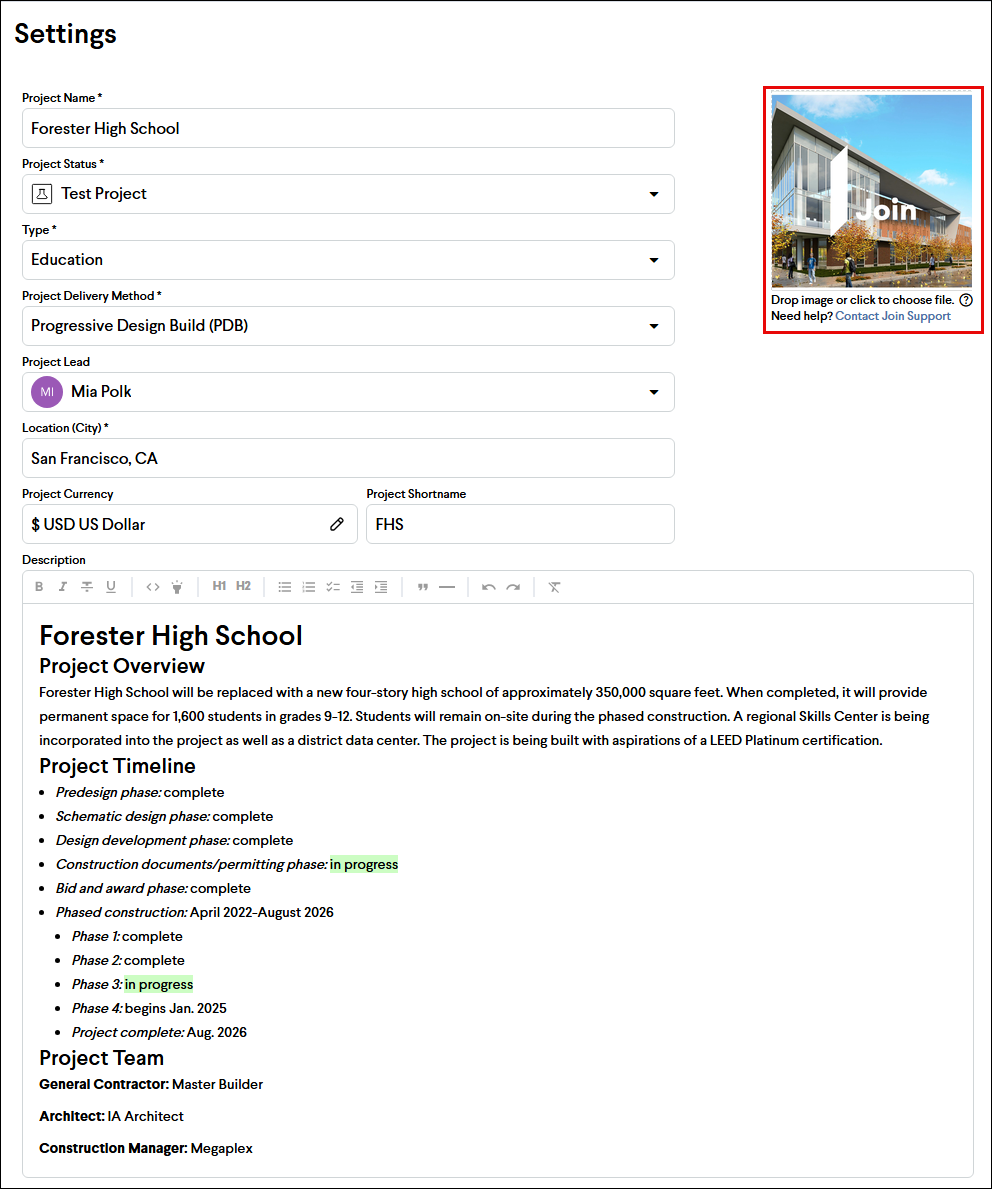
Tip: Square or close-to-square images look best as a project thumbnail